Attributed sources
Each organization keeps its own identity. Evidence stays tied to who submitted or issued it.

Developing personalize our customer journeys to increase satisfaction & loyalty of our expansion recognized by industry leaders.
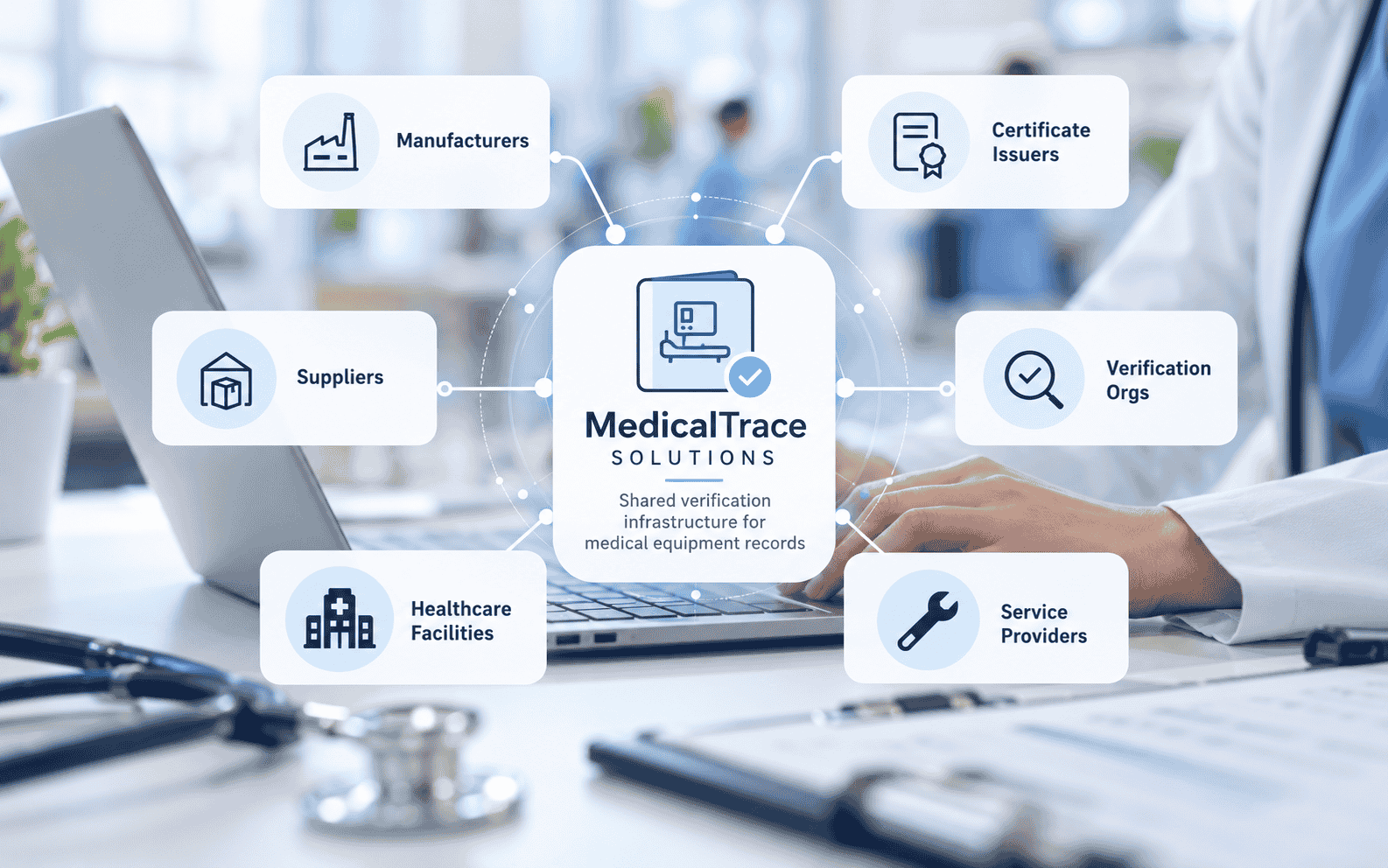
MedicalTrace is shared verification infrastructure across manufacturers, issuers, verification organizations, suppliers, healthcare facilities, and service providers—not a single-supplier portal.
Each audience section connects your responsibilities to passport workflows, what you can inspect, and a pilot conversation. Jump to your organization type or read the shared network principles below.
Whatever your role, the passport keeps attributed history inspectable as equipment moves. Participation terms and governance boundaries are stated openly.
Each organization keeps its own identity. Evidence stays tied to who submitted or issued it.
Signature, document match, validity, and credential status are never collapsed into one score.
Approved public fields and restricted documents remain separated by organization role.
Competing suppliers can participate under documented terms. Purchase from Carl Richardson LLC is not required.
Problem: Certificates, model documentation, and serial records often travel separately from the device—leaving downstream buyers and facilities to chase PDFs and email threads.
Workflows
Establish platform ID, manufacturer serial, category, and registering organization.
Connect issued credentials to the device without treating uploads alone as verified certificates.
Keep supporting model information available to authorized readers on the passport.
Carry forward attributed history as the device moves through organizations.
Visibility & participation
You retain a clear source identity on records you submit. Downstream readers see who registered the device and which issuers attested within scope.
Example · DEMO-BED-001
Demo Manufacturer registers hospital bed DEMO-BED-001 and attributes a signed safety inspection certificate issued within an approved claim scope.
Discuss a manufacturer pilotProblem: Downstream parties struggle to confirm who issued a credential, whether the issuer was authorized for that claim, and whether the credential remains valid.
Workflows
Organizations and claim scopes are reviewed before issuance authority is granted.
Sign assertions only within authorized claim categories for the relevant equipment.
State when a credential applies—including windows that have not started or have ended.
Update credential status separately from signature checks so readers do not conflate the two.
Visibility & participation
Your organization remains the attributed source of each assertion. Readers inspect issuer authority and credential status as distinct findings.
Example · DEMO-BED-001
Demo Inspection Org issues a scoped safety assertion for DEMO-BED-001 with an explicit validity window. Status later shows Active, Expired, Revoked, or Superseded—never merged into a single trust score.
Discuss an issuer roleProblem: Reviewers need structured findings without conflating signature checks, document matching, and credential status—or inventing a pass when information is missing.
Workflows
Compare documents and commitments; report match, mismatch, or unknown.
Where authorized, record review outcomes attributed to your organization.
Keep review state visible alongside issuer and signature findings.
Surface missing information explicitly rather than collapsing it into a green badge.
Visibility & participation
You work from attributed source records and distinct verification outcomes. Unknown findings stay unknown until evidence supports a result.
Example · DEMO-BED-001
A verification organization reviewing DEMO-BED-001 inspects issuer authority, signature result, document match, and credential status as separate cards—not one combined score.
Discuss a verification roleProblem: Custody changes can break the documentation trail between organizations, leaving the next holder without a continuous attributed history.
Workflows
Accept equipment into your custody with the passport history intact.
Complete dual-party confirmation so transfers are inspectable later.
Share authorized fields and restricted documents according to role-based access.
Keep your organization’s identity on the records you submit.
Visibility & participation
Participation does not require purchasing equipment from Carl Richardson LLC. Commercial terms for network participation remain subject to approval.
Example · DEMO-BED-001
A supplier initiates custody transfer of DEMO-BED-001 to Demo Community Hospital. The transfer remains incomplete until the facility confirms acceptance.
Discuss a supplier pilotProblem: Receiving and biomedical teams need inspectable evidence without becoming blockchain operators or paying on-chain fees for ordinary reads.
Workflows
Inspect identity, assertions, and custody confirmation before accepting equipment into service workflows.
Review issuer, signature, match, validity, and status as separate findings.
See attributed service and inspection events connected to the device.
Use organization-scoped visibility for public fields versus restricted documents.
Visibility & participation
Facilities are not designed to operate blockchain nodes for day-to-day passport reads. Clinical judgment and regulatory decisions remain outside the product.
Example · DEMO-BED-001
Demo Community Hospital confirms custody of DEMO-BED-001, then inspects evidence match and credential status before biomedical intake—without scanning tokens or running a node.
Discuss a facility pilotProblem: Maintenance reports often remain outside the shared equipment history, so the next facility or reviewer cannot see who did what and when.
Workflows
Submit service events attributed to your organization and linked to the device.
Attach supporting references where required—without treating uploads alone as certificates.
Keep clear organizational responsibility on submitted work.
Update records through documented correction paths rather than silent overwrites.
Visibility & participation
Your submissions remain attributed to your organization. Readers inspect them alongside certificates and custody—not as a substitute for issuer credentials.
Example · DEMO-BED-001
Demo Biomed Services records annual service for DEMO-BED-001 with an occurrence date and evidence reference, visible separately from certificate status.
Discuss a service pilotClear limits help pilots and legal review. For governance detail, see Trust and Governance and the operator page.
Tell us which audience you represent, review the sample passport, or walk the how-it-works path before a pilot conversation.